
API keys
Every request to the Surface API needs an API key. A key is scoped to one environment and can reach every resource in that environment.
Creating an API key
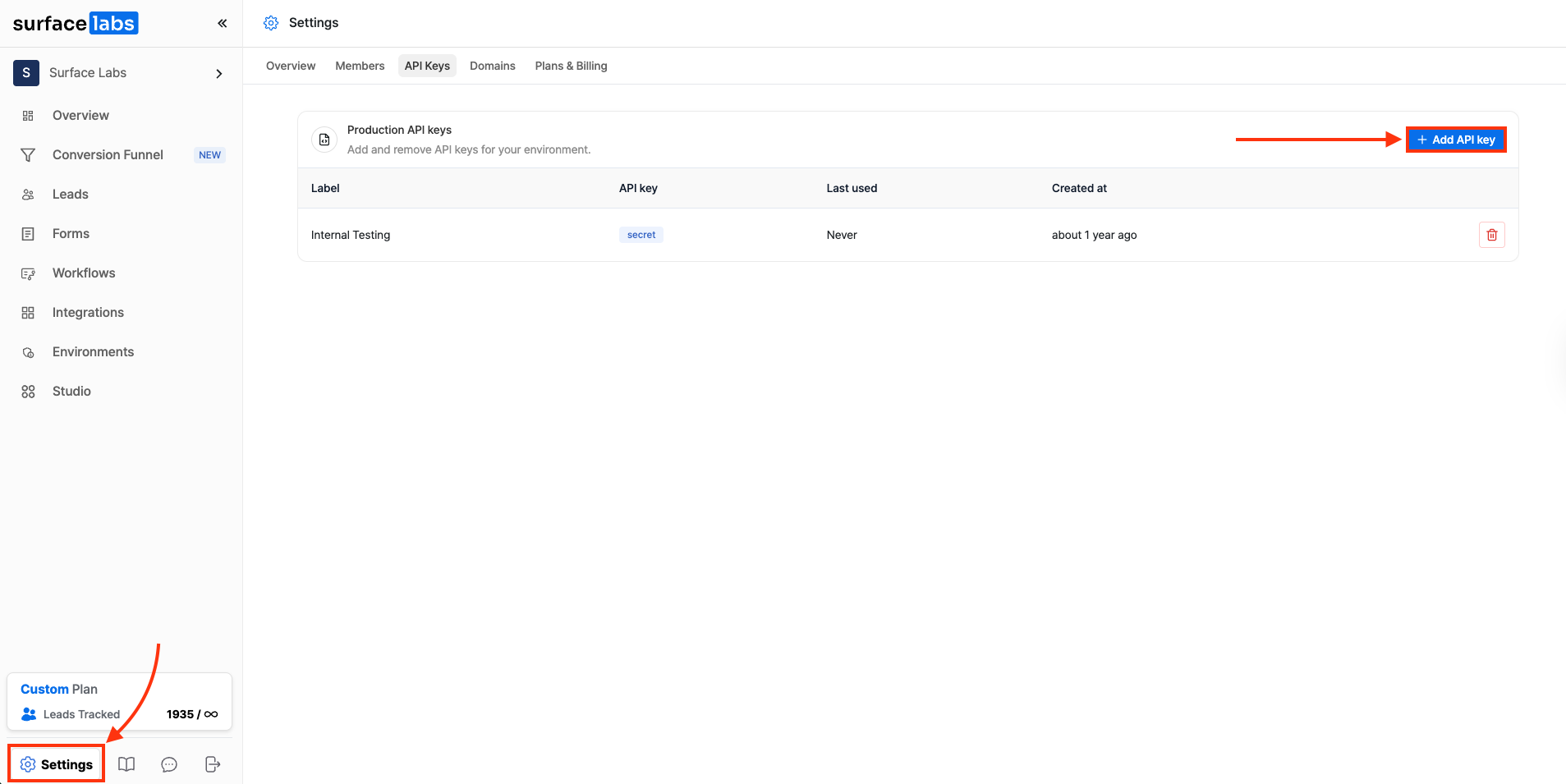
- Log in to your Surface account.
- Go to Settings > API Keys.
- Click on + Add API Key.
- Give your key a name and click Create.
- Copy and note down the API key immediately, as it won't be shown again.
Using your API key
Include your API key in the x-api-key header for all API requests:
cURL
curl -X GET 'https://forms.withsurface.com/api/v1/responses' \
  -H 'x-api-key: your-api-key-here'